
How it works
Estimate. Sign.
Invoice. Get paid.
Five steps, one app, no trip back to the office. Here's how a job moves through OnSiteInvo.
Create
Build a trade-specific estimate on your iPhone or iPad — labor, materials, the roof calculator, your logo on top.
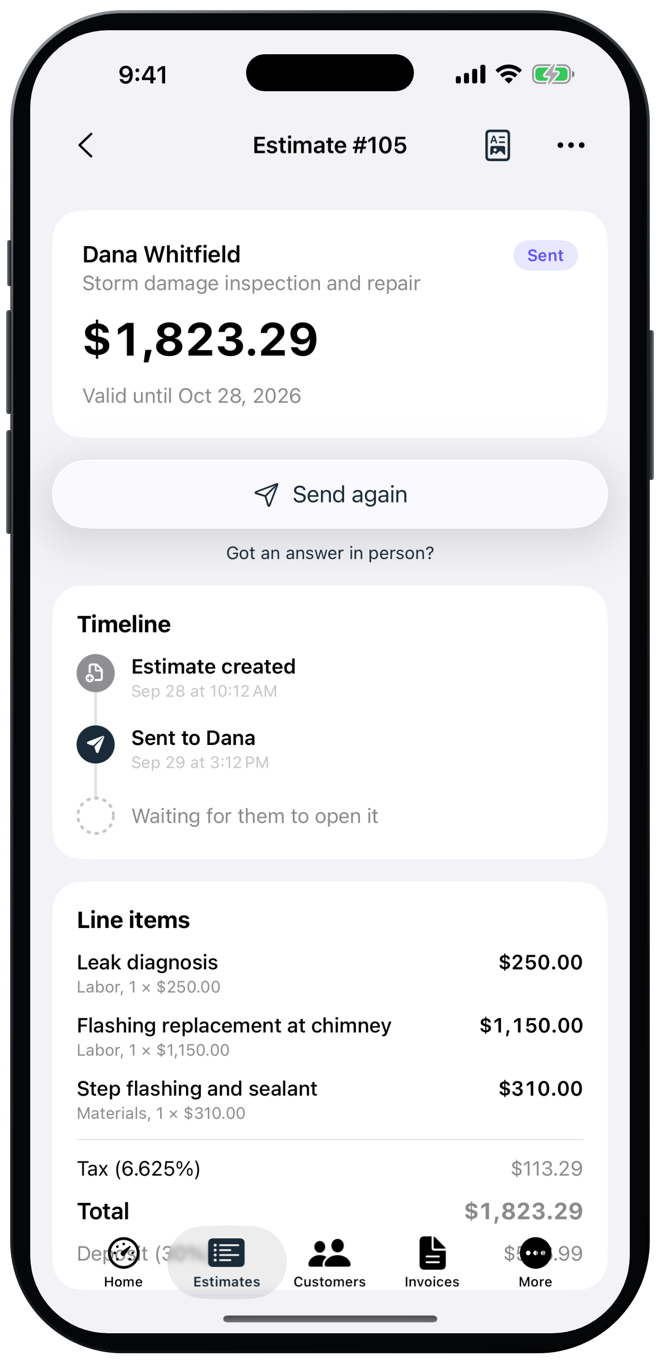
Send
Text or email a private link. Your customer opens it in any browser — nothing to download, no account to make.
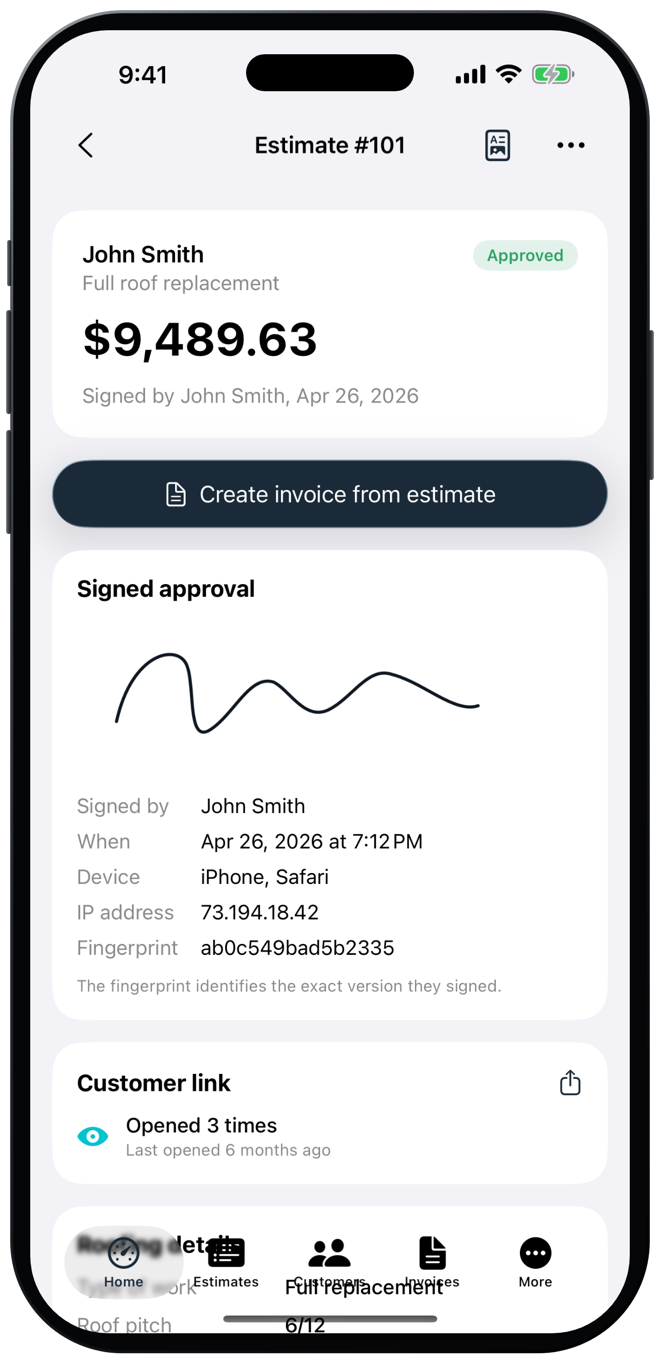
Sign
They approve and sign on their own phone. The signed copy comes back with the time, name, device and a fingerprint of the exact version.
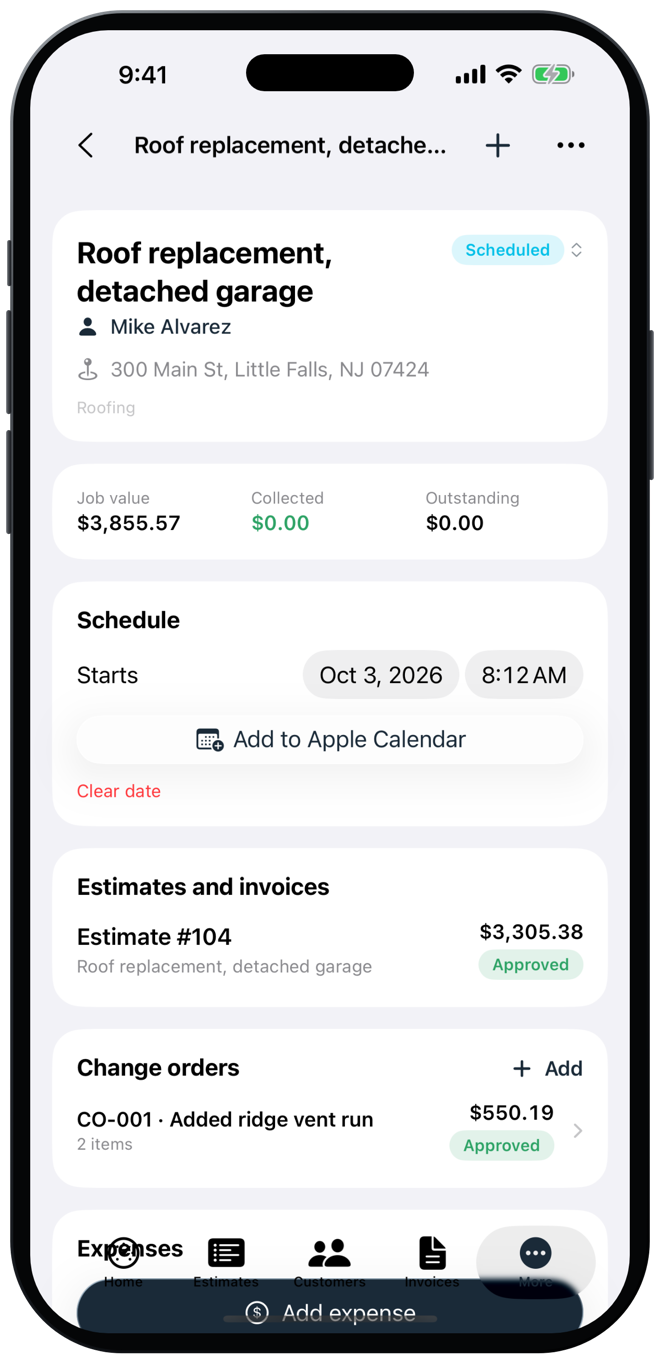
Invoice
When the work is done, turn the approved estimate into an invoice in one tap and send it the same way.
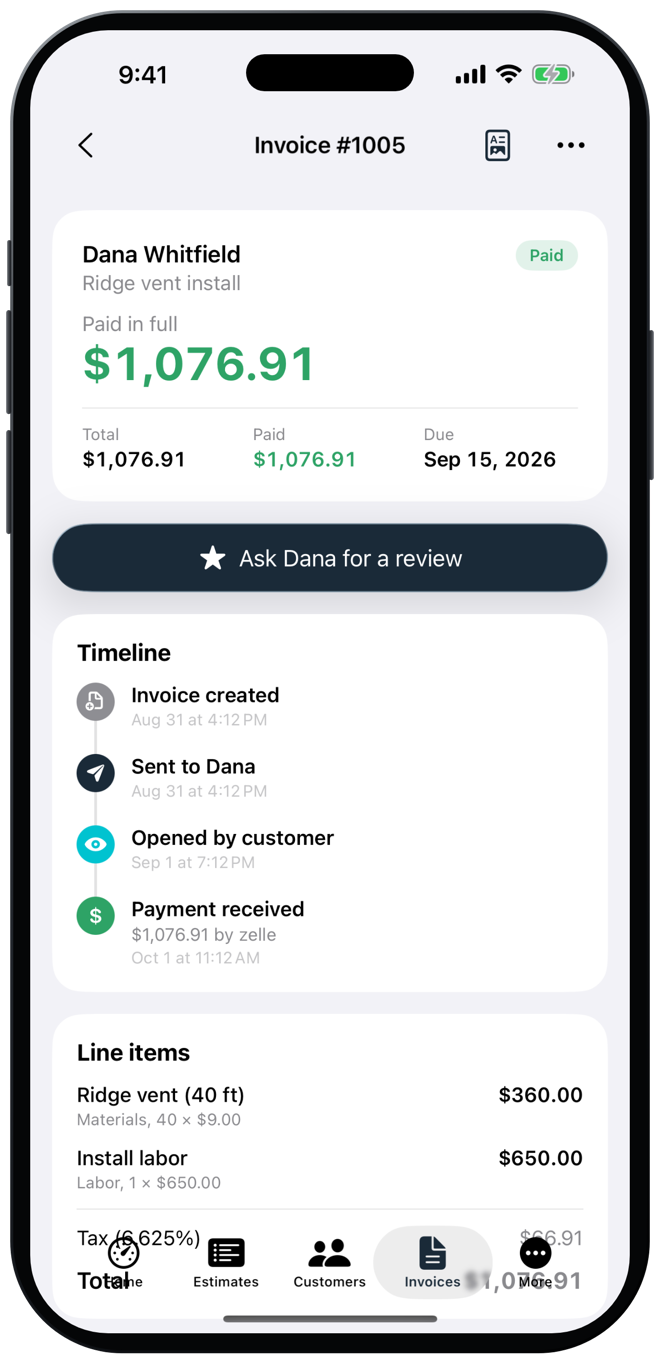
Get paid
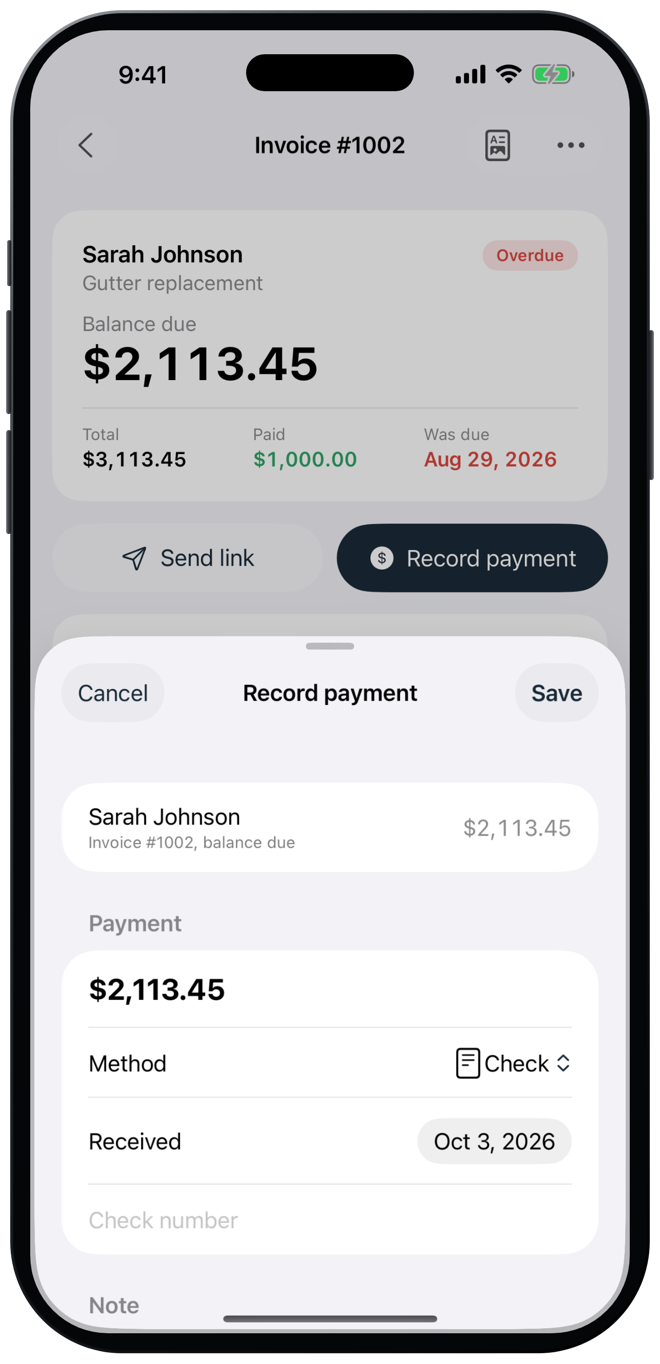
See when they open it, record the check, cash or transfer, and watch the balance go to zero.
From the first estimate
to the final payment.
Everything stays connected to the job, so nothing slips between the walkthrough and the check.